Hello there! We meet again in another new article! Right now, it will be about Zep.us for online school. If you have an online school and you might want to make your school activity more engaging rather than just seeing the face of the students and the teachers only, this article might be a good one for you. Speaking about Zep.us for school, I just realize that we can make a lot of cool things on this platform. So let’s check it out what this platform can do!
Immersive Virtual Space
If you are not familiar with Zep.us, it’s actually a virtual space platform. Imagine something like Zoom or Google Meet, but with a map and avatar like playing a game. You can do an online meeting with audio, video, and chat using this platform, pretty similar with the regular virtual meet platform. If you are familiar with the concept of gamification, we can say that Zep.us is a gamified version of the regular virtual meet platform.
Imagine if you use Zep.us for school, you are like making an actual school, but in an online environment. So your student can walk or run on the hallway, you can do a class on class A while on the same time the other teacher are doing the class on class B, and we can see it. You can walk, interact with object, talk with one person then move to talk with the other person, and many more.
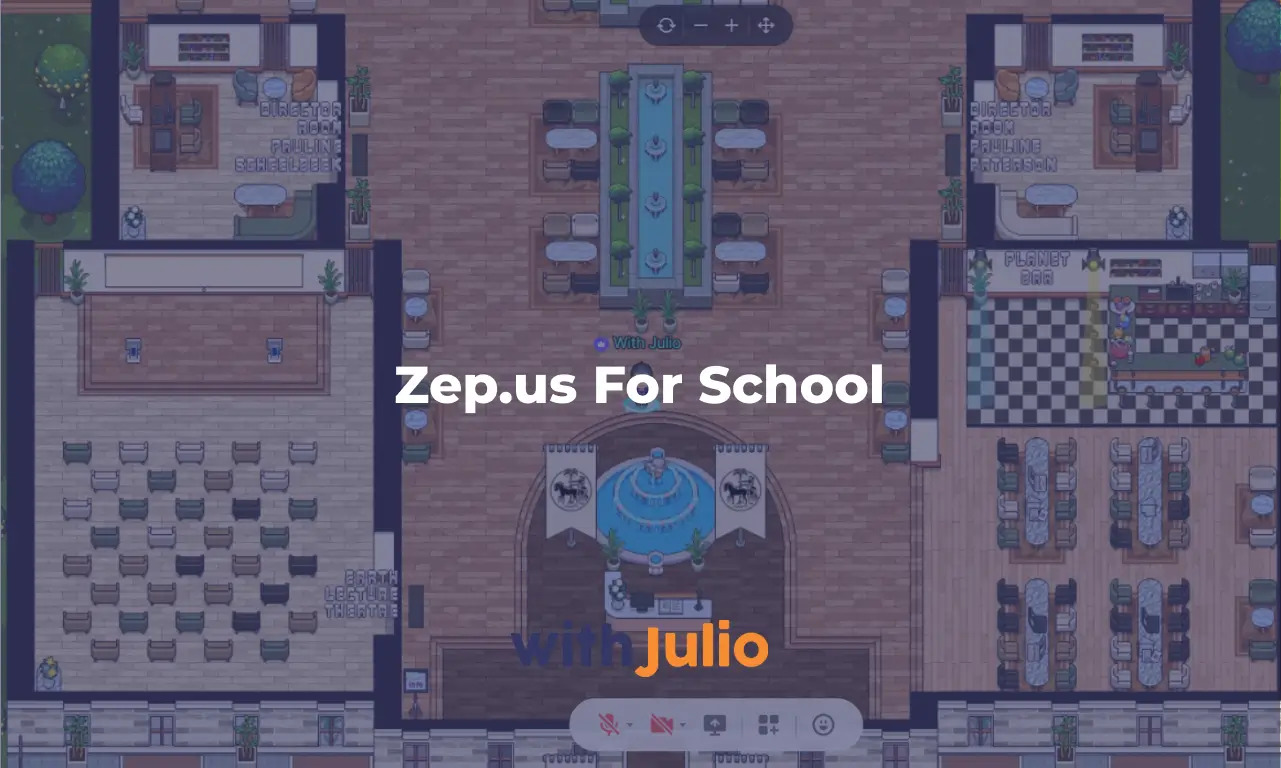
Doing a meeting with just seeing the screen are pretty unnatural and could lead to social fatigue. There are many studies that do a research about this. But if we do it like playing a game, that become more playful and engaging. I’ve made a simple school space based on my previous portfolio so you can check how it looks like. Access it by clicking on this button below.
If you access the demo space above, you can see a classroom, director rooms, kitchen area, hangout area, and focus area. That’s basically a small but functional school virtual space. You can even add a class schedule on the classroom, and an update about the school in it. A whole new experience of doing online school! Looks fun isn’t it?! Bye-bye boring school!
Online Class More Than a Screen With Face
“It’s similar like a regular virtual meeting platform, just with a map and avatar! We still doing a screen video meeting here!” Yes, you are correct, but there are a lot of more features that might be suitable for your school. On the left panel bar, you will see a chain icon, that’s for making a link for your space. This feature can be use for easy access for any link you have for your class. Let say you want your student access a Google Form before attending class, just place the link to the Google Form there. You can edit the link name and also add an icon to it.
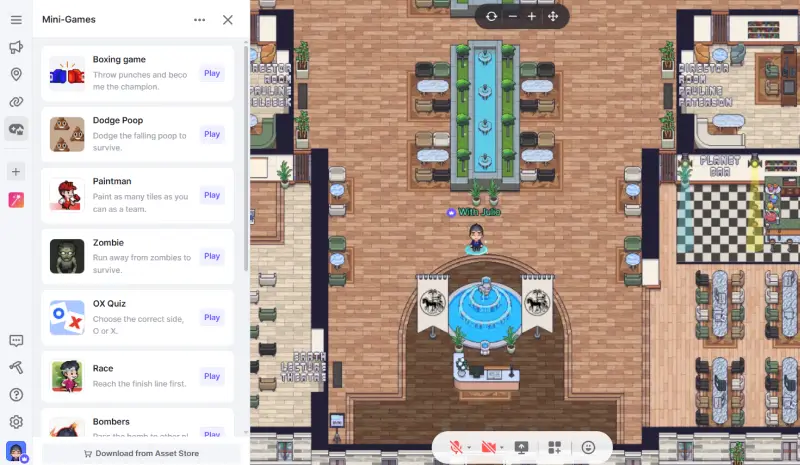
The second one is mini-game. Let say you want to make an icebreaking session between each class. Doing an icebreaking just using mouth is hard, right? Imagine having a mini-game you can play with your student there. Maybe play a Dodge Poop, so we need to dodge a poop that falling from above, only for a couple minutes, good for icebreaking. Some games need some basic configuration, but some games could be played directly. I’ll explain about game in another dedicated article.
The third one is App. This one is a game changer. Even though you might need a Pro plan subscription to use unlimited apps (on free tier, we can only use 1 app at the same time), but it’s quite powerful feature. Some useful apps are Group Photo, Poll, and Administrator. While some cool decorative apps are Title, Ride, and Avatar Special Effects.
Interactive Object for Documentation
On a virtual space like Zep.us for your school, you can add an interactive object around the space. Let say you want to add a laptop and embed a link to a Google Docs, it’s possible. You want to add a bookshelf and add an archive folder from Google Drive, it’s also possible. Even if you want to make a big video explanation from YouTube on your space, it’s also achievable.
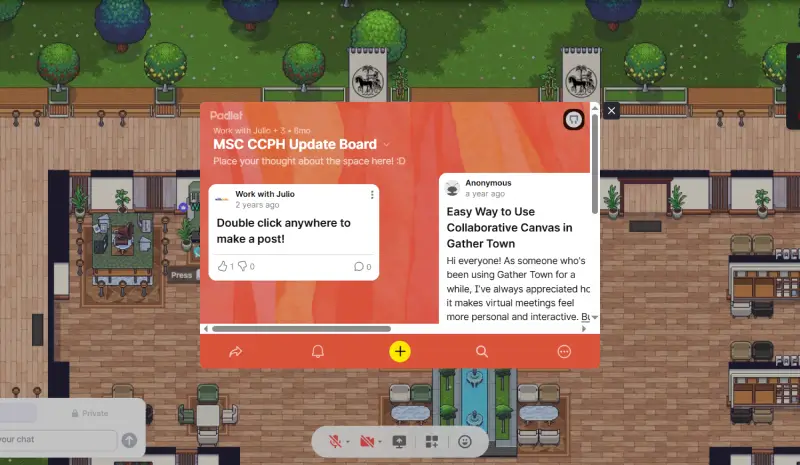
So you can place some useful resources as objects on Zep.us so your student can access it anytime anywhere without you answering their question one by one. It’s productive and time-saving! You can focus on building a great curriculum and class resource and your student can access the useful resources by themselves.
Make a Quest Like a Game
To maximize your virtual space, you can even make a quest to your Zep.us space. Quest is basically like a homework, but not as boring as ‘homework’. Making a quest is actually a challenging, but rewarding task for a teacher. You can make a quest as simple as placing an NPC (non-playable character, basically just an object but looks like an avatar), and embed a Google Slide link with multiple choice question like playing a visual novel game.
Or even making it more immersive with the space itself. For example, you will only give a clue from one NPC, another clue from another NPC, and the last NPC will be asking question about the clue, giving a password. Then you implement a door object with password somewhere on the space to find an object or a stamp. They need to input a screenshot of them with the object to a Google Form and whoever submit it first, will get certain points. The clue itself could be related to the subject of study.
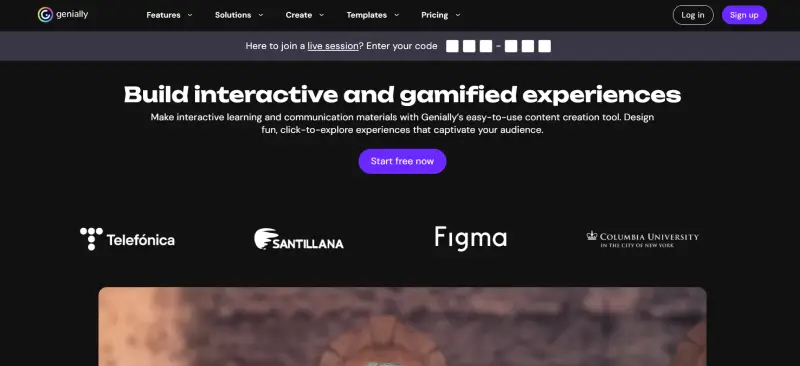
For the platform itself, you can use a simple one like Google Slide, or maybe use Genially for more interactive stuff. Or if you have another site for making an online quest, it’s also possible to embed it to the virtual space. As long as it’s online, don’t need any login, and has an open access to be embedded in another site. The limit here is actually our creativity only. I have a client, who has an English school, who made a really cool Winter Wonderland lore for their school’s quest during winter time.
Zep Quiz
Zep.us also launched a new feature called Zep Quiz to maximize their position for Zep.us for School. It’s basically a separated platform with Zep.us space but owned by the same company, so you need register a new account to use Zep Quiz, and also make a new subscription to use all the features. The subscription is quite cheap, and it based on the number of teacher (who will have the access to the Quiz) rather than the number of student/member like the Zep.us space.

Zep Quiz is basically a quiz platform combined with virtual space. So Zep made many default map for you, you make the quiz, and share it to your student. Your student could access the quiz and basically play the quiz by answering questions. It can be a multiple choice question, short answer question, or true/false answer question. Add more fun to your space.
It’s basically a nice feature to have for your school. The best practice is by integrating the Zep.us space for daily use, and Zep Quiz for weekly/monthly exam, that will be a great combo! I’ll make a dedicated article explaining about this Zep Quiz later!
So why not try it for your online school? It’s not only for a formal school, if you have a non-formal course and you want to manage your student daily, it will be more engaging for doing it on Zep rather than on website member area only, or even Discord. You can trade a little fraction of the subscription fee in exchange with an immersive virtual space so everyone could be more engaged in a long term.
If you are interested on making a custom Zep.us for your school, and you need an expert to do this, you can contact me here and we can always discuss about it! So see you next time in the next article! Sampai jumpa lagi!